Villa and bungalow facade render from an elevation
Render a villa or bungalow facade from your elevation, SketchUp view or a site photo. Choose the setting and the time of day, and show the owner the front of the house before the plaster goes up.
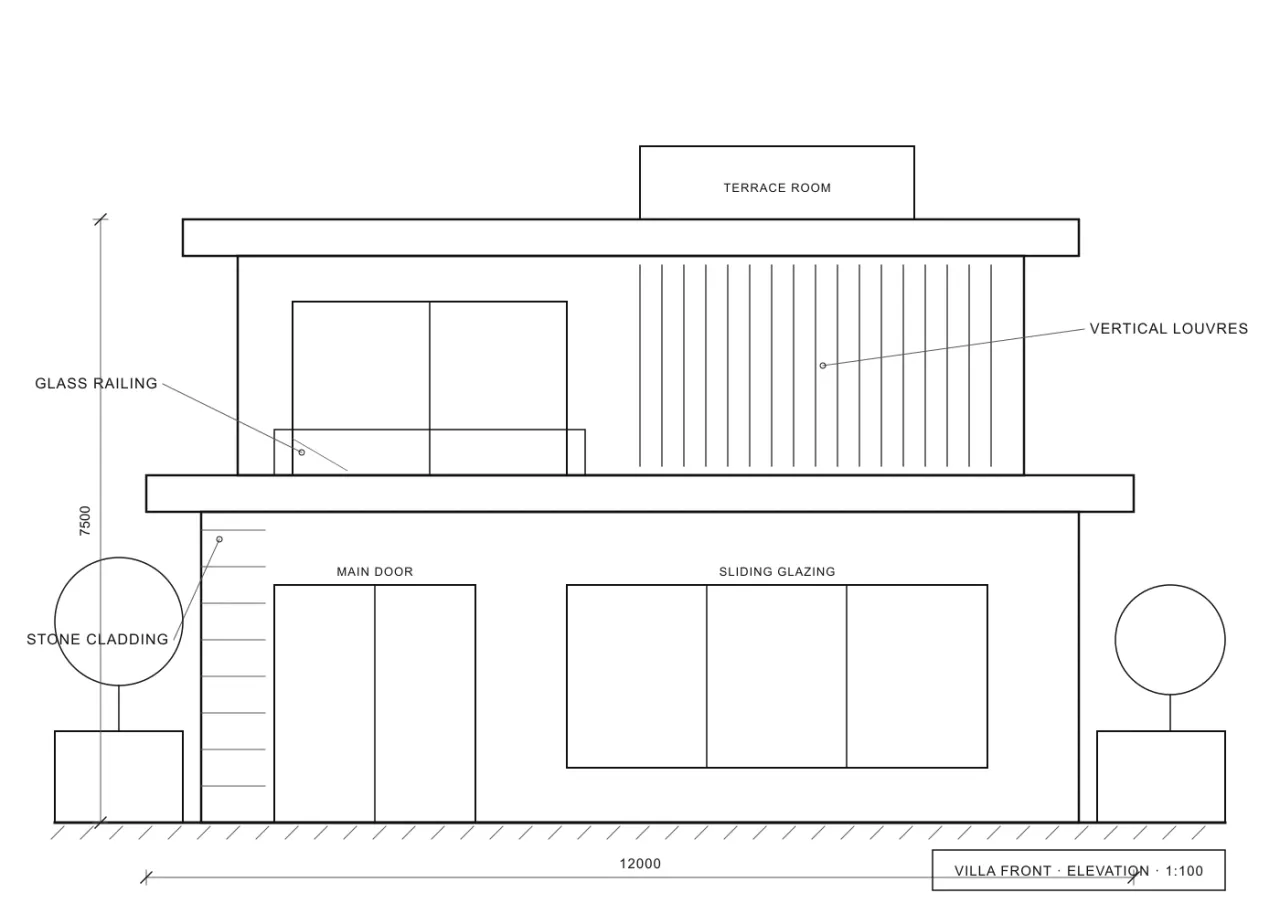
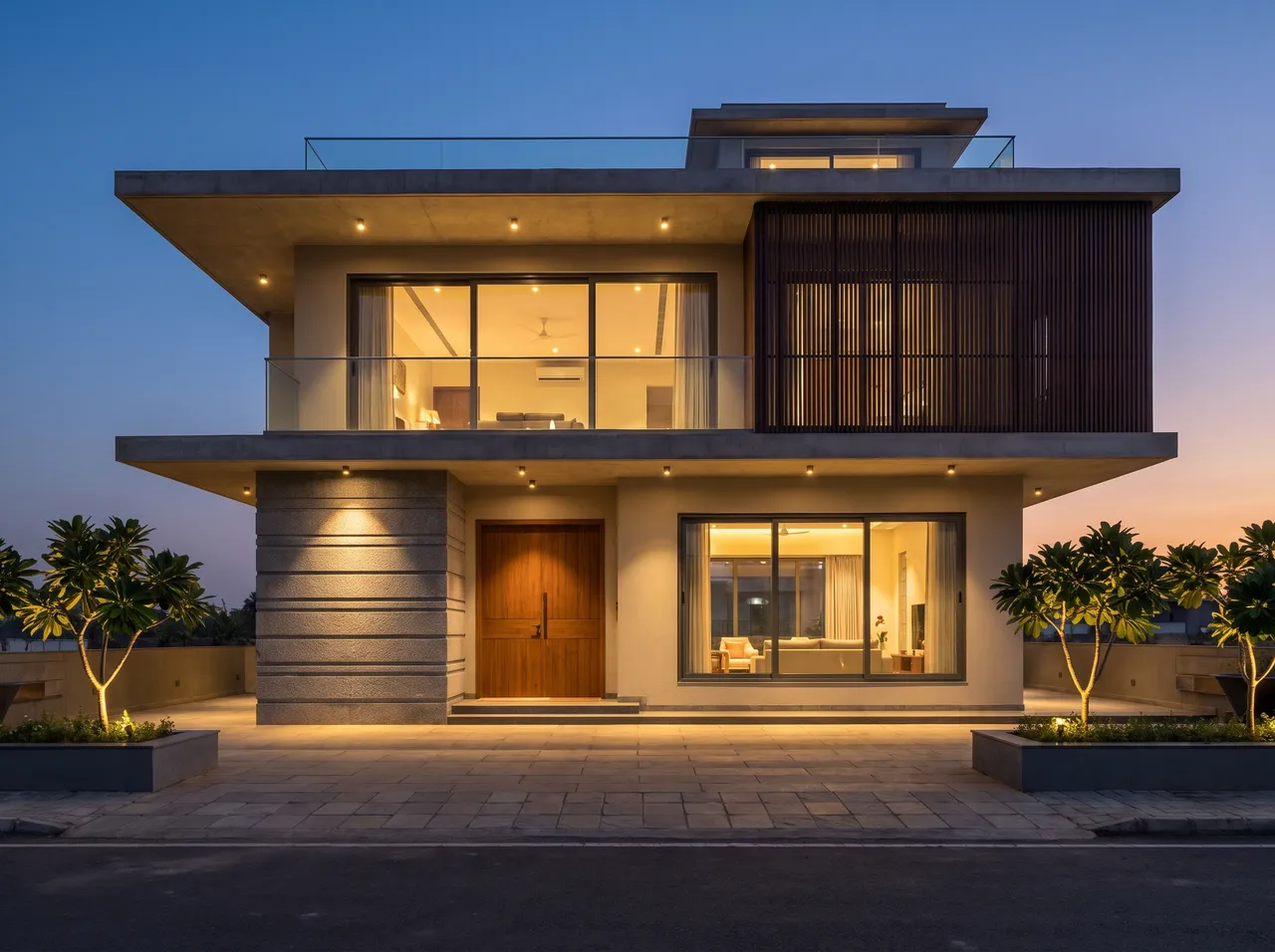
Setting around the house
Choose a clean, urban or mountain location, a street in the foreground or none, and vegetation on or off.
Four times of day
Show the facade in Day light, Sunrise, Evening or Night, and let the owner pick the view they like.
Materials by name
Name the stone cladding, texture paint, louvres or timber and see them applied to your elevation.
Redo an old facade
Upload a photo of the existing house and describe the new finish to show a renovation before work begins.
How it works
Three steps on the canvas.
1Drop your drawing on the canvas
Upload a PNG, JPEG or WebP up to 15 MB. Phone photos are straightened automatically and file metadata is stripped on upload.
2Pick the deliverable
Choose Interior, Exterior, Floor plan or Graphics, then set light, finishes and mood with a few taps — or type a material brief.
3Review, refine, download
The render appears next to your drawing. Circle any area to change only that part, branch variations, and download for the client.
FAQ
Good to know.
Does it keep my elevation proportions?
It is built to hold the frame and the openings you drew. Review the render before you send it, as it is an AI visualisation.
Can I get a bigger file for a board?
Yes. Renders are 2K, and you can upscale to 4K for 2 credits.
Related
- Exterior & facade renderRender a front elevation, a SketchUp massing or a site photo as an architectural photograph — in a street, urban or hillside setting, from sunrise to night.Open
- For architectsShow clients a photoreal facade, an interior or a 3D plan the same day you draw it — without a visualiser wait or a monthly render seat.Open
- For real-estate marketingFacade renders, sample-flat interiors and 3D floor plans for brochures, listings and social media — made from the architect’s drawings.Open
- Client presentationsWalk into the meeting with photoreal renders of the actual design, a 3D plan and a few style options — then change details live while the client watches.Open
- Instagram & WhatsApp reelsTurn a drawing and its render into a vertical before/after video for Instagram Reels and WhatsApp status — free, made on your device.Open
- Material & finish optionsLaminate or veneer? Matt or glossy floor?Open
Render your own drawing in about a minute.
2 free renders to start. No subscription, no card needed.