Before/after reels for Instagram and WhatsApp
Turn a drawing and its render into a vertical before/after video for Instagram Reels and WhatsApp status — free, made on your device.
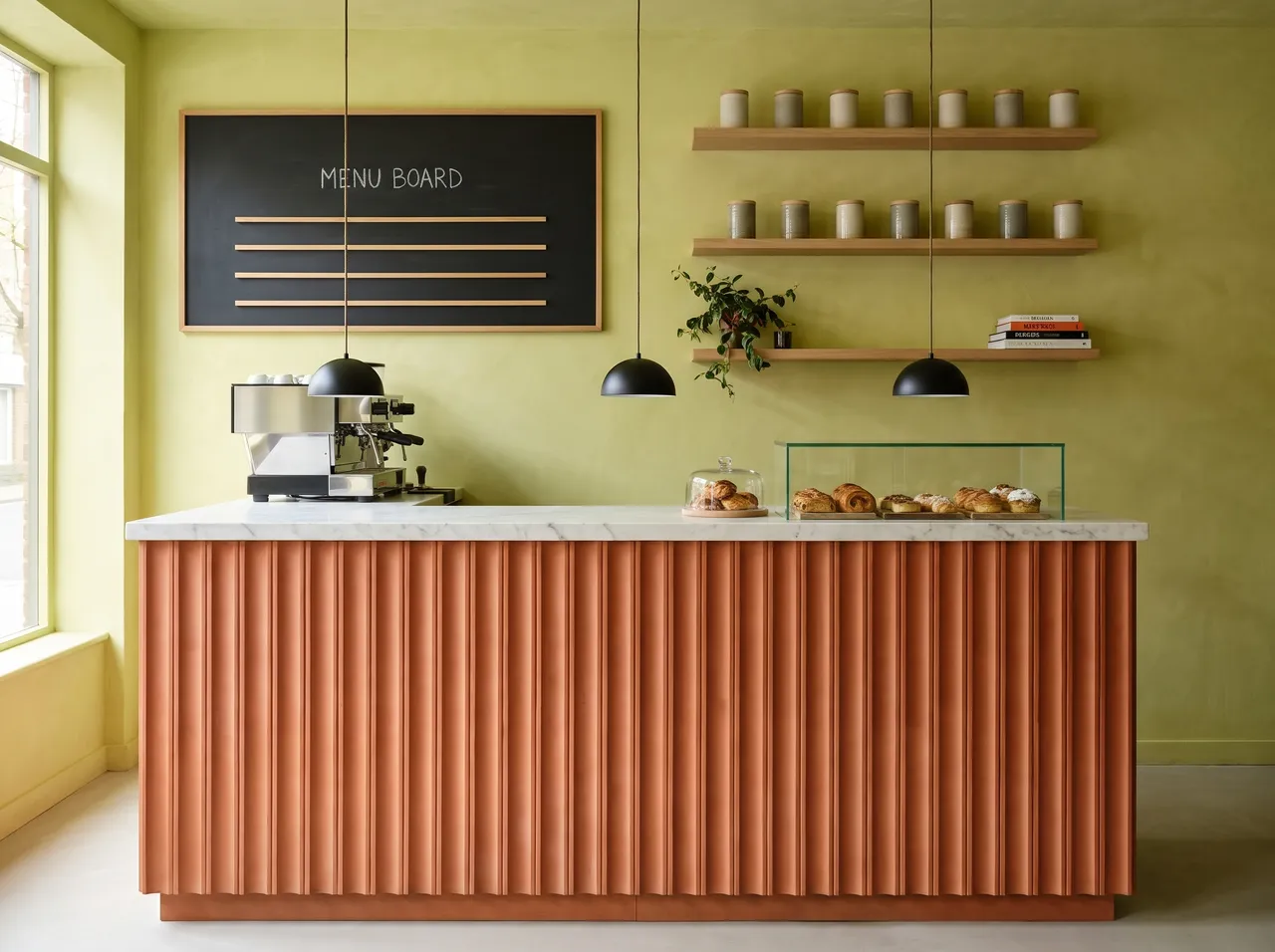
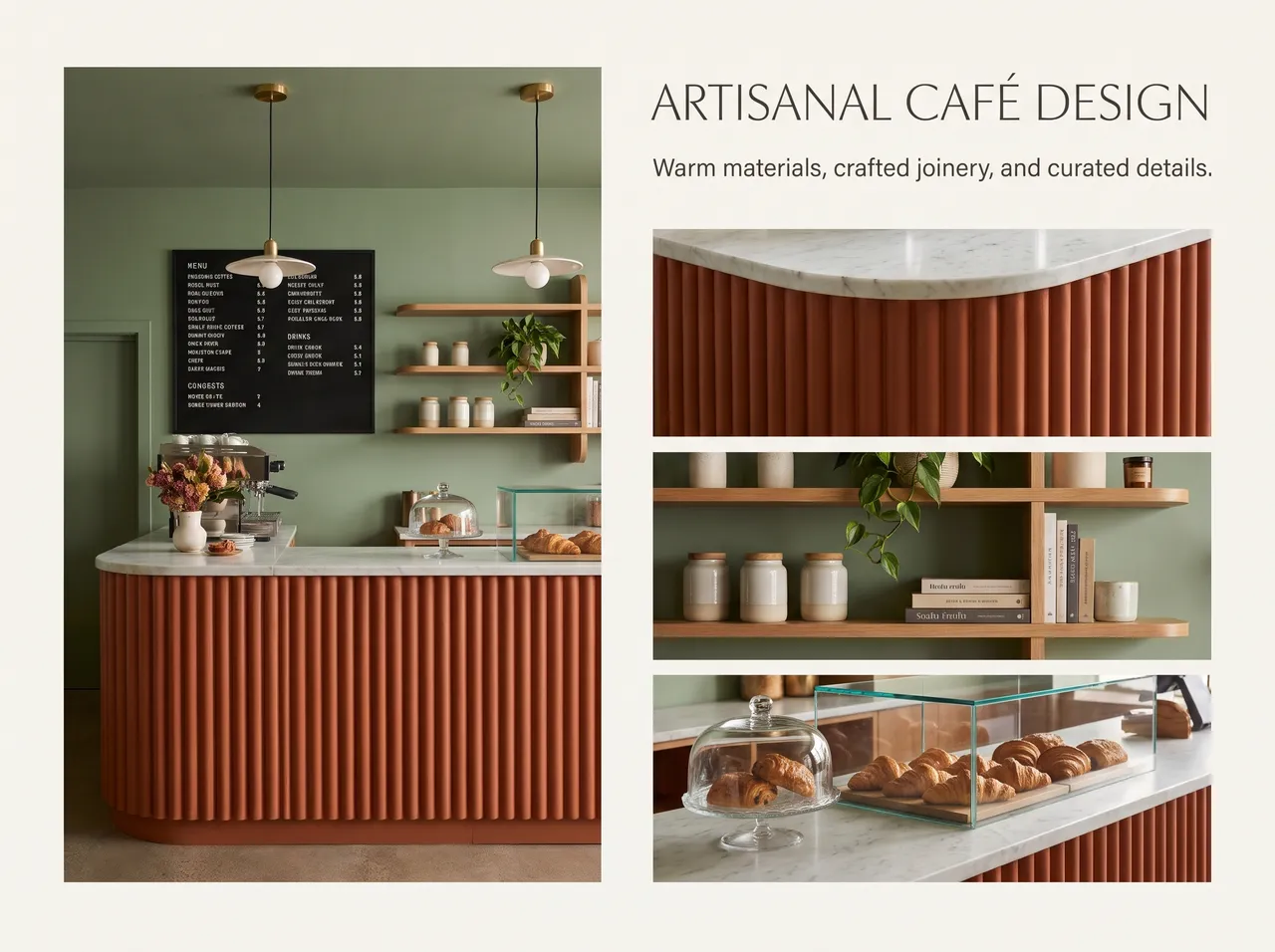
9:16, ready to post
Sized for Reels, Shorts and WhatsApp status.
Drawing to render reveal
The wipe from linework to photoreal is what stops the scroll.
Free
Reels run on your device and use no credits.
Show your process
Let prospective clients see your drawings come alive.
How it works
Three steps on the canvas.
1Drop your drawing on the canvas
Upload a PNG, JPEG or WebP up to 15 MB. Phone photos are straightened automatically and file metadata is stripped on upload.
2Pick the deliverable
Choose Interior, Exterior, Floor plan or Graphics, then set light, finishes and mood with a few taps — or type a material brief.
3Review, refine, download
The render appears next to your drawing. Circle any area to change only that part, branch variations, and download for the client.
FAQ
Good to know.
Does making a reel use credits?
No — reels are made in your browser and are free.
Can I post the still images too?
Yes. Download the render in 2K, or upscale it to 4K first.
Related
- Edit by voice or textBrush over a sofa, a wall or a ceiling — or just click it — and say what it should become, in English or Hindi.Open
- Free toolsRecolour a wall or sofa instantly, look around any render as a 3D photo and export a 9:16 before/after reel for Instagram or WhatsApp.Open
- Client presentationsWalk into the meeting with photoreal renders of the actual design, a 3D plan and a few style options — then change details live while the client watches.Open
- Material & finish optionsLaminate or veneer? Matt or glossy floor?Open
- Render to 3D modelConvert a render or a product image into a 3D model GLB file.Open
- 4K upscaleRenders come out at 2K. When you need a bigger file for a print board, a hoarding or a full-screen presentation, upscale to 4K for 2 credits.Open
Render your own drawing in about a minute.
2 free renders to start. No subscription, no card needed.