Win the client meeting with renders made the same day
Walk into the meeting with photoreal renders of the actual design, a 3D plan and a few style options — then change details live while the client watches.
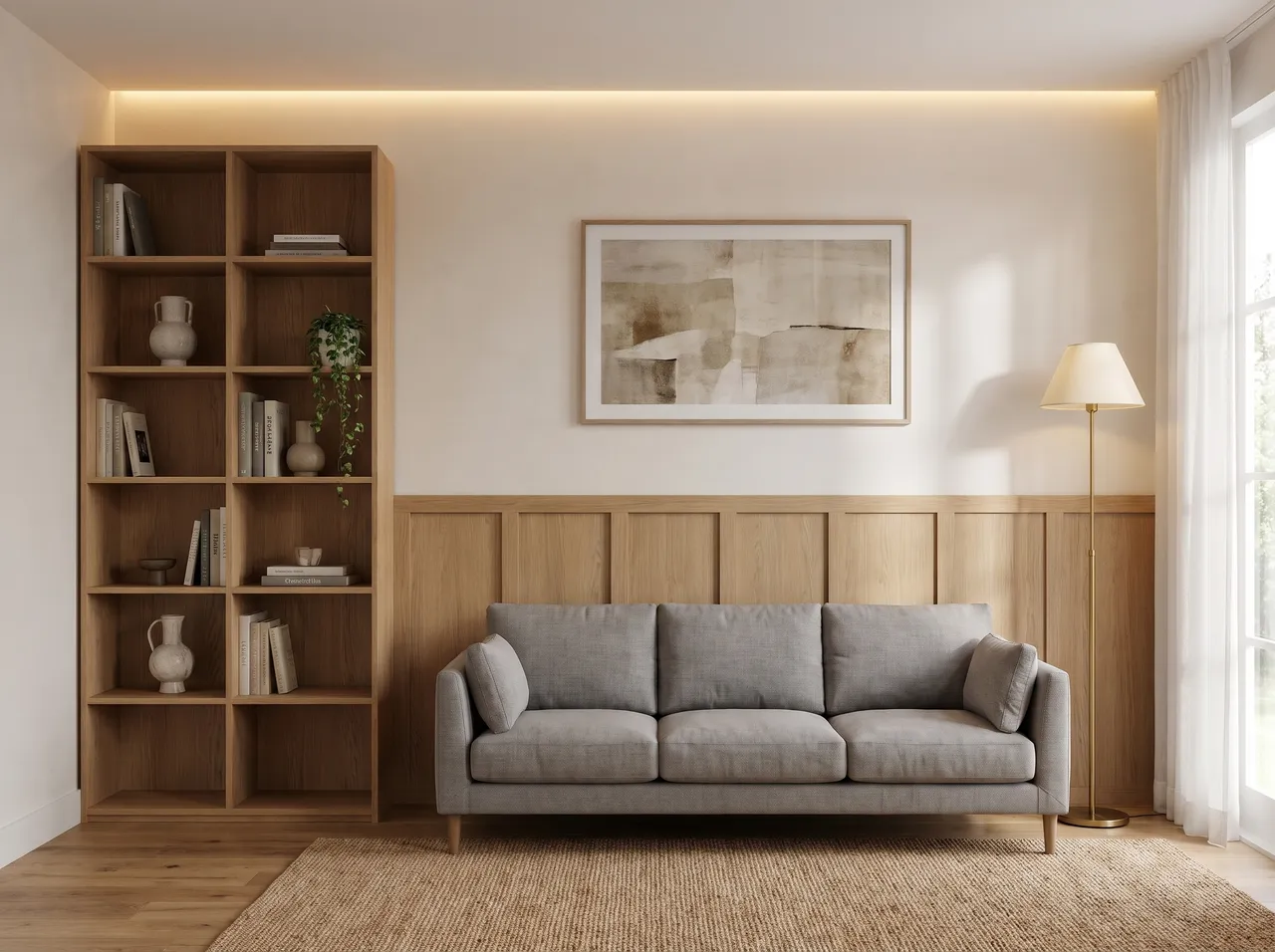
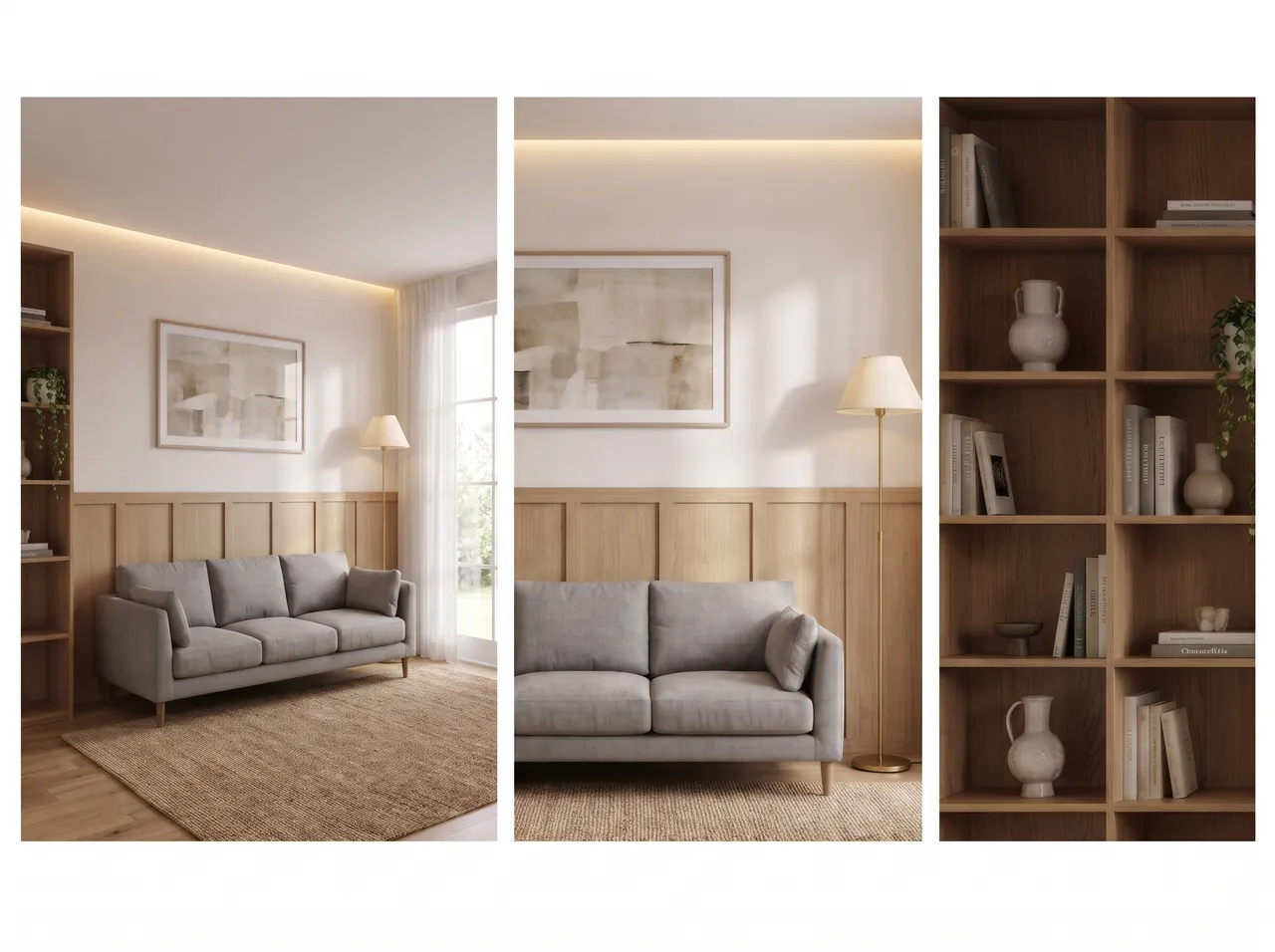
From drawing to deck
Render, then turn it into a concept sketch or material board for the presentation.
Options without rework
Show three looks of the same room in minutes.
Live changes
Change the sofa or the wall finish during the meeting, by voice.
Faster approvals
Clients approve what they can see; fewer revision rounds later.
How it works
Three steps on the canvas.
1Drop your drawing on the canvas
Upload a PNG, JPEG or WebP up to 15 MB. Phone photos are straightened automatically and file metadata is stripped on upload.
2Pick the deliverable
Choose Interior, Exterior, Floor plan or Graphics, then set light, finishes and mood with a few taps — or type a material brief.
3Review, refine, download
The render appears next to your drawing. Circle any area to change only that part, branch variations, and download for the client.
FAQ
Good to know.
Can I present from my phone or tablet?
Yes, the canvas works in the browser on desktop and mobile.
How long does one render take?
Usually about a minute.
Related
- SketchUp to renderScreenshot or export any SketchUp scene — white model or textured — and get a lit, furnished, photoreal render from the same camera in about a minute.Open
- AutoCAD & CAD to renderClip an elevation, a TV-wall detail or a facade from AutoCAD, Revit or any CAD tool and get a photoreal render of exactly that drawing.Open
- For interior designersRender TV units, wardrobes, kitchens and full rooms from your elevations and SketchUp views — fast and affordable.Open
- Instagram & WhatsApp reelsTurn a drawing and its render into a vertical before/after video for Instagram Reels and WhatsApp status — free, made on your device.Open
- Material & finish optionsLaminate or veneer? Matt or glossy floor?Open
- Hand sketch to renderPhotograph a pencil or pen sketch of a room, unit or facade and get a hand sketch to render result in about a minute.Open
Render your own drawing in about a minute.
2 free renders to start. No subscription, no card needed.