Renders for architecture students, without a render workstation
Turn your SketchUp view, plan or hand sketch into a clean render for a studio jury or a portfolio, without a heavy laptop. Start with 2 free renders, no card, and buy packs only if you need more.
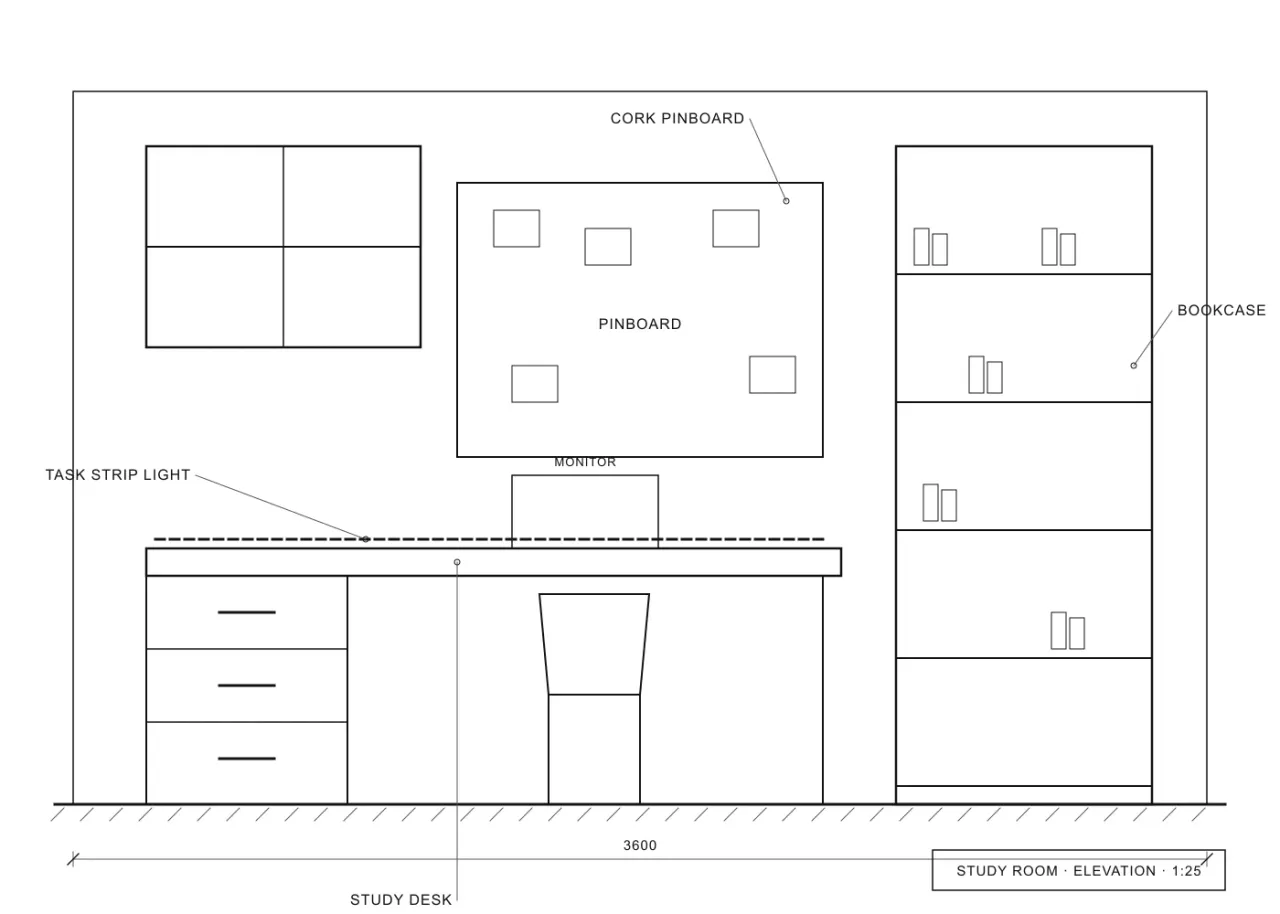
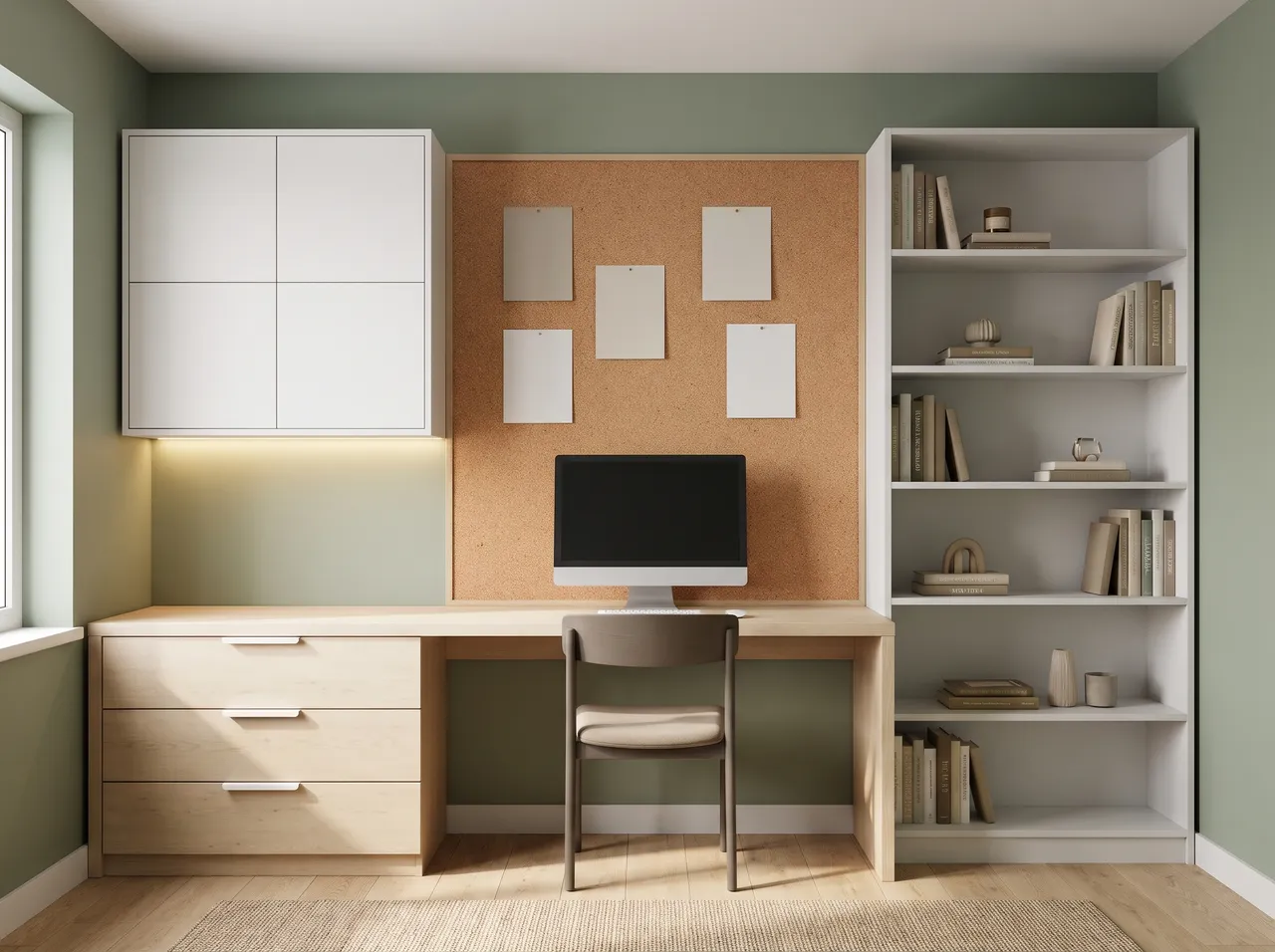
Works on a basic laptop
Renders run in the browser, so a slow machine does not stop you from finishing the sheet before the jury.
Plans and sketches
Turn a floor plan into a furnished 3D cutaway, or a hand sketch into a render, and keep the layout you designed.
Sheet-ready graphics
Make a concept sketch, a material board or a grid from a render for your presentation sheet.
No subscription
2 free renders to start. After that, buy a one-time pack in rupees. Credits never expire, so leftovers carry over to the next semester.
How it works
Three steps on the canvas.
1Drop your drawing on the canvas
Upload a PNG, JPEG or WebP up to 15 MB. Phone photos are straightened automatically and file metadata is stripped on upload.
2Pick the deliverable
Choose Interior, Exterior, Floor plan or Graphics, then set light, finishes and mood with a few taps — or type a material brief.
3Review, refine, download
The render appears next to your drawing. Circle any area to change only that part, branch variations, and download for the client.
FAQ
Good to know.
Will my college allow AI renders?
Rules differ by college and by studio. Ask your faculty, and say clearly in your submission when a render is AI-made.
Does it design the project for me?
No. It visualises the design you give it and keeps your layout. The design thinking and the drawings should still be yours.
Related
- SketchUp to renderScreenshot or export any SketchUp scene — white model or textured — and get a lit, furnished, photoreal render from the same camera in about a minute.Open
- AutoCAD & CAD to renderClip an elevation, a TV-wall detail or a facade from AutoCAD, Revit or any CAD tool and get a photoreal render of exactly that drawing.Open
- For architectsShow clients a photoreal facade, an interior or a 3D plan the same day you draw it — without a visualiser wait or a monthly render seat.Open
- For interior designersRender TV units, wardrobes, kitchens and full rooms from your elevations and SketchUp views — fast and affordable.Open
- For tile & ceramic brandsCreate moodboards, bathroom and floor mock-ups and room scenes for tile and ceramic collections — quickly, without a photoshoot.Open
- For real-estate marketingFacade renders, sample-flat interiors and 3D floor plans for brochures, listings and social media — made from the architect’s drawings.Open
Render your own drawing in about a minute.
2 free renders to start. No subscription, no card needed.