Renders for modular furniture makers and kitchen studios
Show customers their modular kitchen, wardrobe or TV unit as a render from your own drawing, with their shutter finish, before the order is confirmed. Pay in rupees per pack, no subscription.
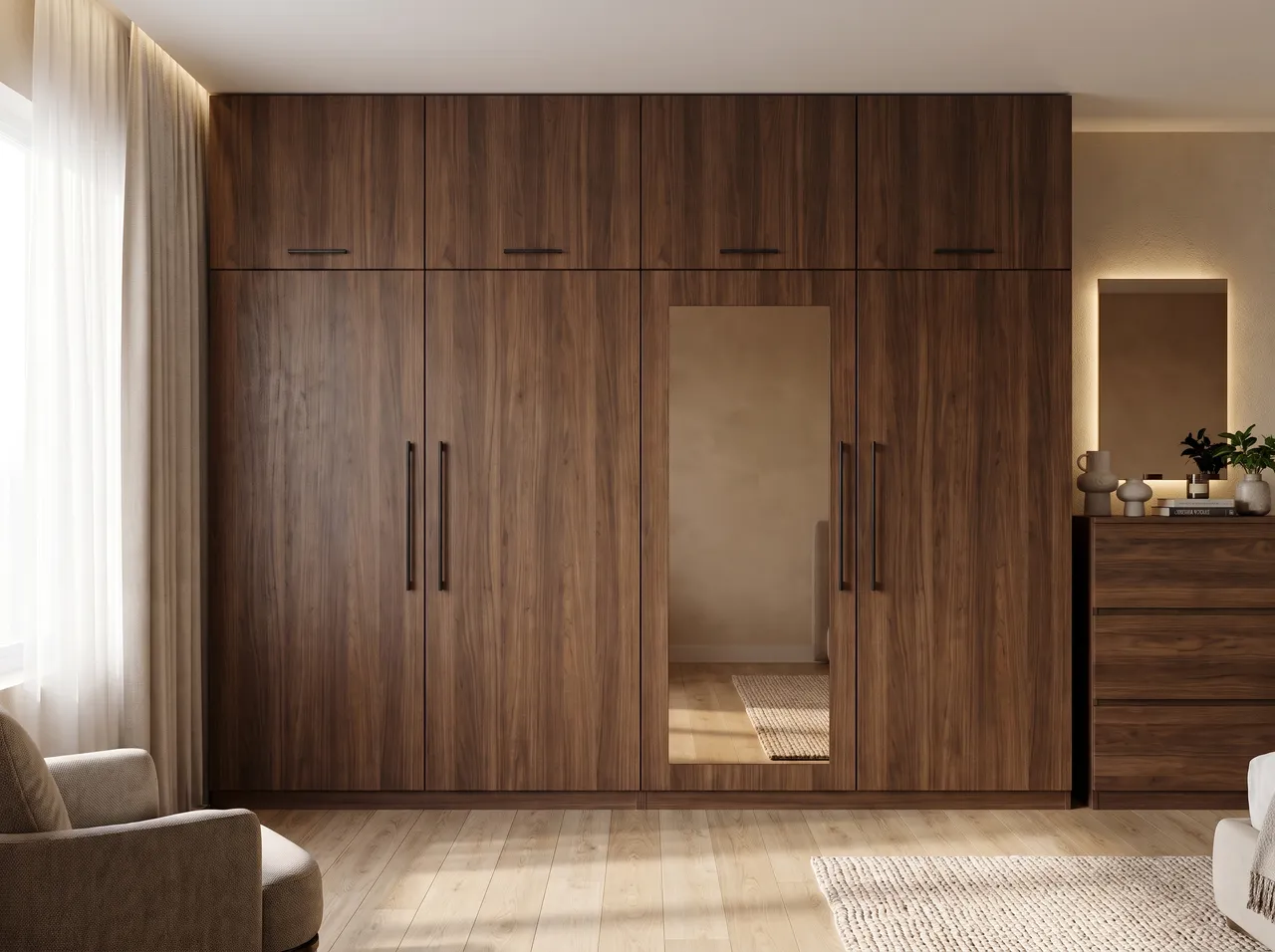
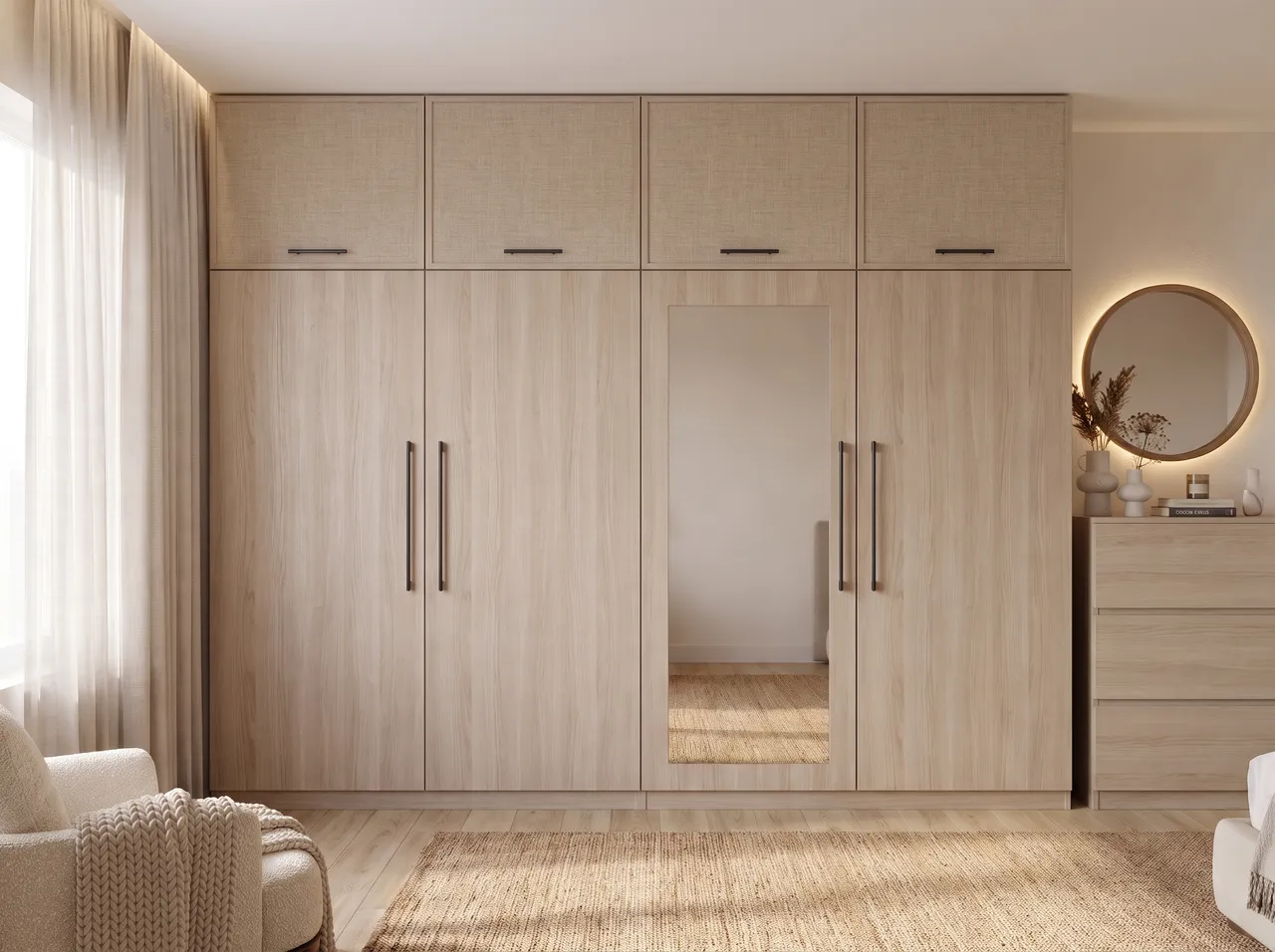
Render from your drawing
Use the elevation or SketchUp view your team already makes. No separate render setup for the showroom.
Finish options on the spot
Recolour a surface for free, or restyle the unit in up to 4 looks while the customer is still in the showroom.
Reference the real laminate
Add up to 3 reference photos of the laminate or veneer for an area edit, then confirm with the physical sample.
Pay only when you use it
Buy a one-time pack in rupees. 2 free renders to start, no card, and credits never expire.
How it works
Three steps on the canvas.
1Drop your drawing on the canvas
Upload a PNG, JPEG or WebP up to 15 MB. Phone photos are straightened automatically and file metadata is stripped on upload.
2Pick the deliverable
Choose Interior, Exterior, Floor plan or Graphics, then set light, finishes and mood with a few taps — or type a material brief.
3Review, refine, download
The render appears next to your drawing. Circle any area to change only that part, branch variations, and download for the client.
FAQ
Good to know.
Can I use it instead of factory drawings?
No. Renders are for customer approval. Production should always run from your dimensioned working drawings.
What if a render fails?
Failed renders are refunded automatically as credits, so you do not lose a credit on a failed run.
Related
- SketchUp to renderScreenshot or export any SketchUp scene — white model or textured — and get a lit, furnished, photoreal render from the same camera in about a minute.Open
- AutoCAD & CAD to renderClip an elevation, a TV-wall detail or a facade from AutoCAD, Revit or any CAD tool and get a photoreal render of exactly that drawing.Open
- For architectsShow clients a photoreal facade, an interior or a 3D plan the same day you draw it — without a visualiser wait or a monthly render seat.Open
- For interior designersRender TV units, wardrobes, kitchens and full rooms from your elevations and SketchUp views — fast and affordable.Open
- For tile & ceramic brandsCreate moodboards, bathroom and floor mock-ups and room scenes for tile and ceramic collections — quickly, without a photoshoot.Open
- For real-estate marketingFacade renders, sample-flat interiors and 3D floor plans for brochures, listings and social media — made from the architect’s drawings.Open
Render your own drawing in about a minute.
2 free renders to start. No subscription, no card needed.