Fix wrong textures in a render without redoing it
If the wood grain, stone or fabric in a render is wrong, texture correction fixes the materials on the same image. The layout, the lighting and everything else you liked stay as they are.
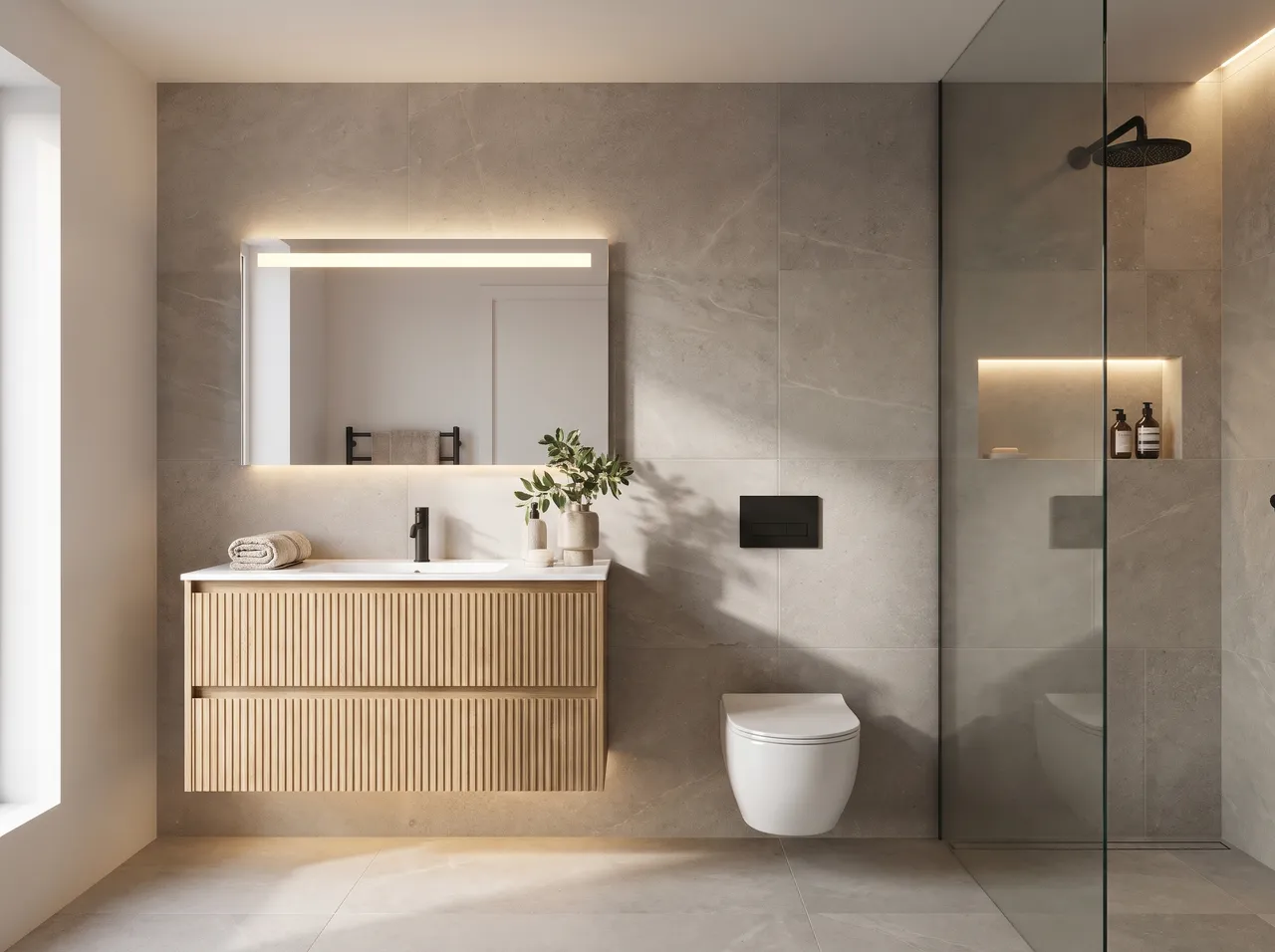
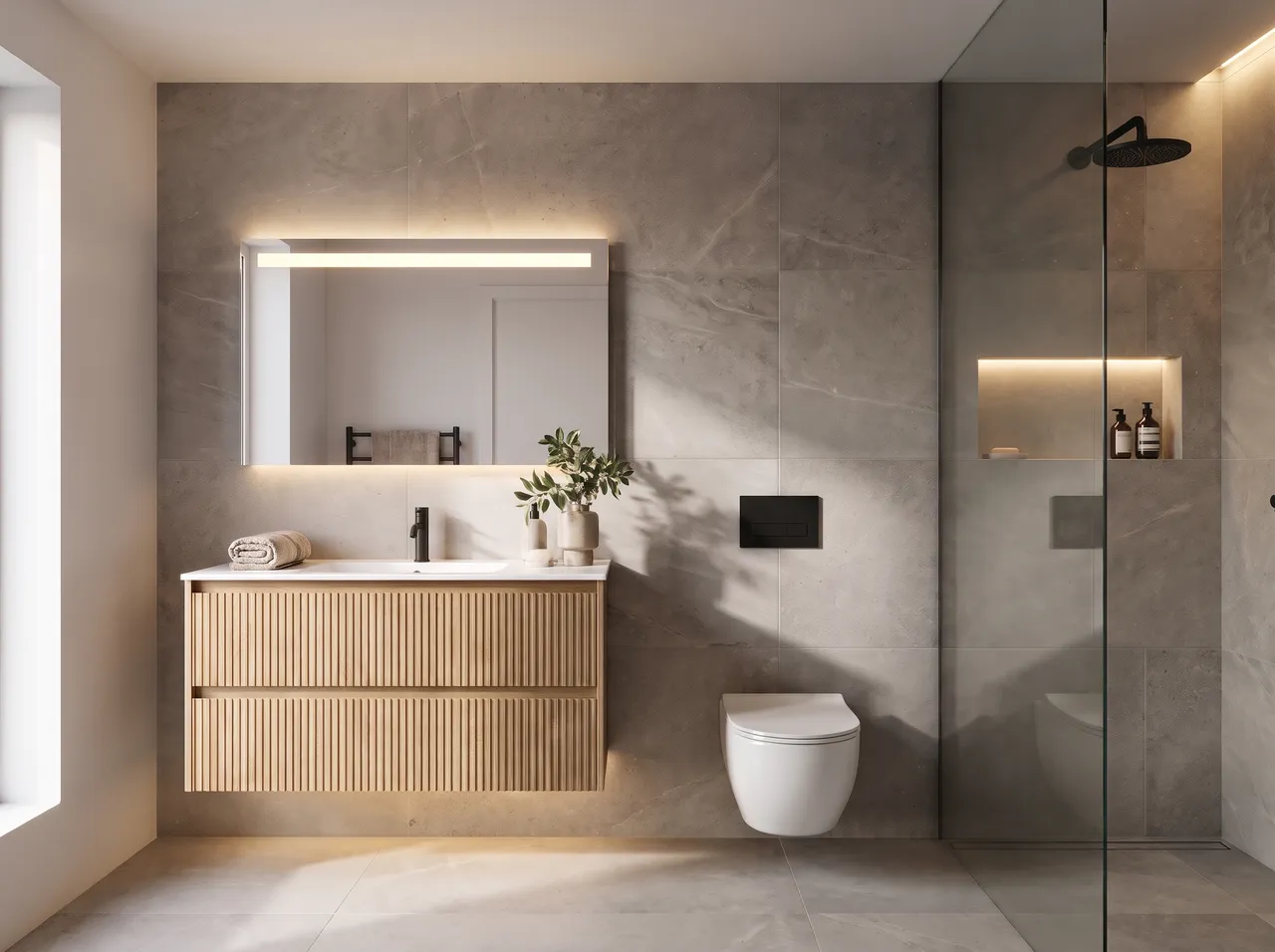
Materials only
The correction targets surfaces such as laminate, veneer, marble or tile and leaves the rest of the image alone.
Keep a render you like
No need to start over when only the floor or the shutter finish is off.
Need an exact finish?
Use area edit on that surface and attach up to 3 reference photos of the laminate, stone or fabric you mean.
Combine with area edit
For one specific object, use area edit. For all the materials in the scene, use texture correction.
How it works
Three steps on the canvas.
1Drop your drawing on the canvas
Upload a PNG, JPEG or WebP up to 15 MB. Phone photos are straightened automatically and file metadata is stripped on upload.
2Pick the deliverable
Choose Interior, Exterior, Floor plan or Graphics, then set light, finishes and mood with a few taps — or type a material brief.
3Review, refine, download
The render appears next to your drawing. Circle any area to change only that part, branch variations, and download for the client.
FAQ
Good to know.
Will it match my sample exactly?
It will be close, but screens and lighting differ from real life. Always confirm the finish against the physical sample.
Is it free?
It uses 1 credit, like any render or edit. Recolouring a surface on your device is free.
Related
- SketchUp to renderScreenshot or export any SketchUp scene — white model or textured — and get a lit, furnished, photoreal render from the same camera in about a minute.Open
- AutoCAD & CAD to renderClip an elevation, a TV-wall detail or a facade from AutoCAD, Revit or any CAD tool and get a photoreal render of exactly that drawing.Open
- Floor plan to 3DUpload a 2D floor plan and get a furnished isometric 3D view your clients understand at a glance — with room labels on or off and finishes of your choice.Open
- Exterior & facade renderRender a front elevation, a SketchUp massing or a site photo as an architectural photograph — in a street, urban or hillside setting, from sunrise to night.Open
- Interior restyleRestyle a render or a site photo: new design language, mood or lighting on exactly the same layout.Open
- Edit by voice or textBrush over a sofa, a wall or a ceiling — or just click it — and say what it should become, in English or Hindi.Open
Render your own drawing in about a minute.
2 free renders to start. No subscription, no card needed.