Compare materials and finishes before anything is ordered
Laminate or veneer? Matt or glossy floor? Try finishes on the actual design — recolour for free, or render each option — before the client commits.
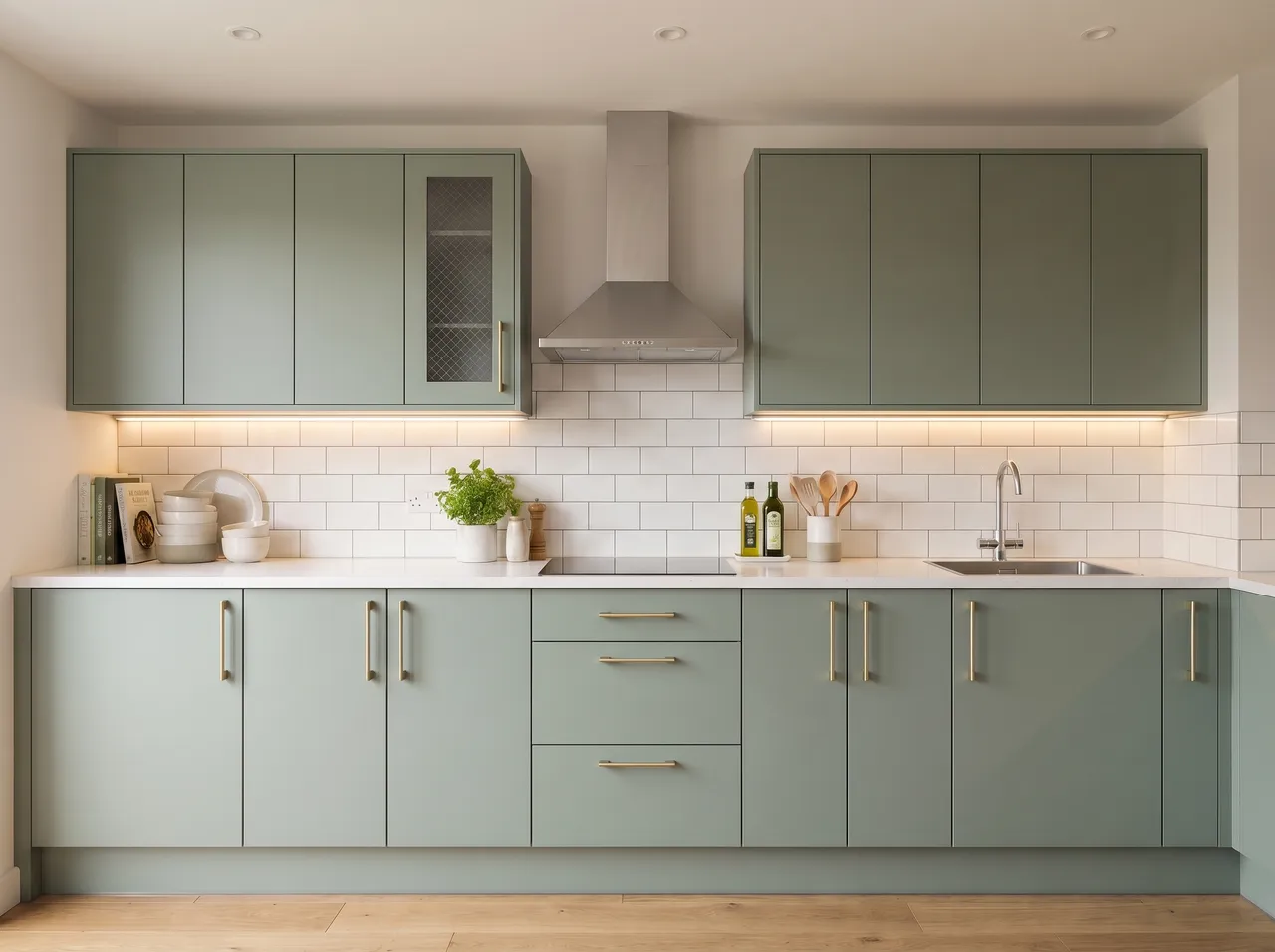
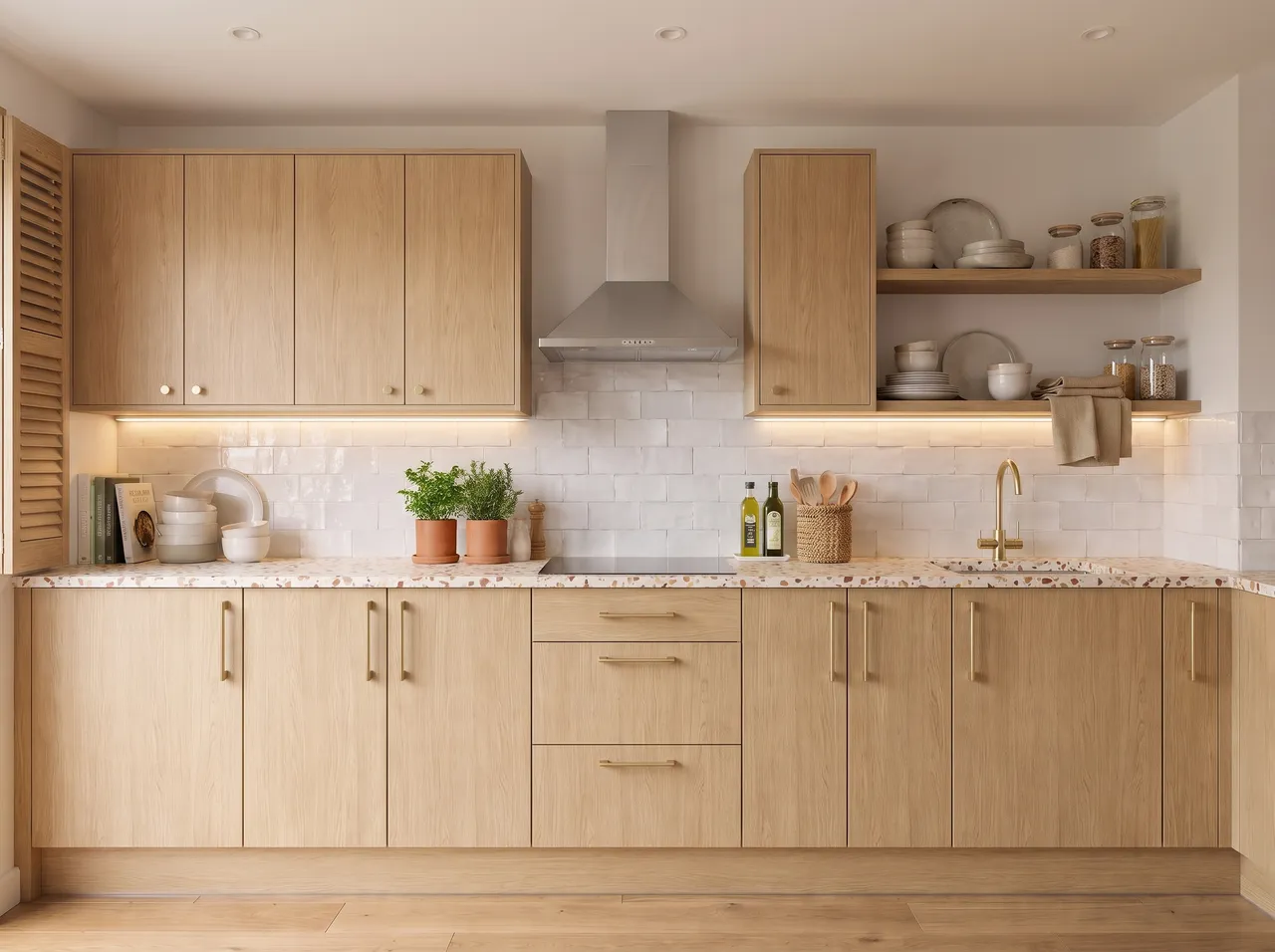
Recolour live
Click a surface and try colours instantly, for free.
Swap one material
Change just the floor or just the shutters with an area edit.
Use the real sample
Attach a photo of the actual laminate or tile as a reference.
Side by side
Every option stays on the canvas to compare.
How it works
Three steps on the canvas.
1Drop your drawing on the canvas
Upload a PNG, JPEG or WebP up to 15 MB. Phone photos are straightened automatically and file metadata is stripped on upload.
2Pick the deliverable
Choose Interior, Exterior, Floor plan or Graphics, then set light, finishes and mood with a few taps — or type a material brief.
3Review, refine, download
The render appears next to your drawing. Circle any area to change only that part, branch variations, and download for the client.
FAQ
Good to know.
Will the colour match the physical sample exactly?
It is close but screens and lighting vary — always confirm with the physical sample.
Does recolour use credits?
No, recolour is free.
Related
- Interior restyleRestyle a render or a site photo: new design language, mood or lighting on exactly the same layout.Open
- Client presentationsWalk into the meeting with photoreal renders of the actual design, a 3D plan and a few style options — then change details live while the client watches.Open
- Instagram & WhatsApp reelsTurn a drawing and its render into a vertical before/after video for Instagram Reels and WhatsApp status — free, made on your device.Open
- TV unit & feature wallClip your TV unit elevation and get a TV unit design render with fluted panels, back-lit niches and console drawers as drawn, in about a minute.Open
- Modular kitchenGet a modular kitchen 3D render from your SketchUp view or elevation.Open
- Bedroom & wardrobeRender a bedroom and wardrobe design from your elevation or SketchUp view.Open
Render your own drawing in about a minute.
2 free renders to start. No subscription, no card needed.